Roles, location, salary, and exclusions.
Control is a system, not a promise.
Applications move. Your boundaries stay fixed.
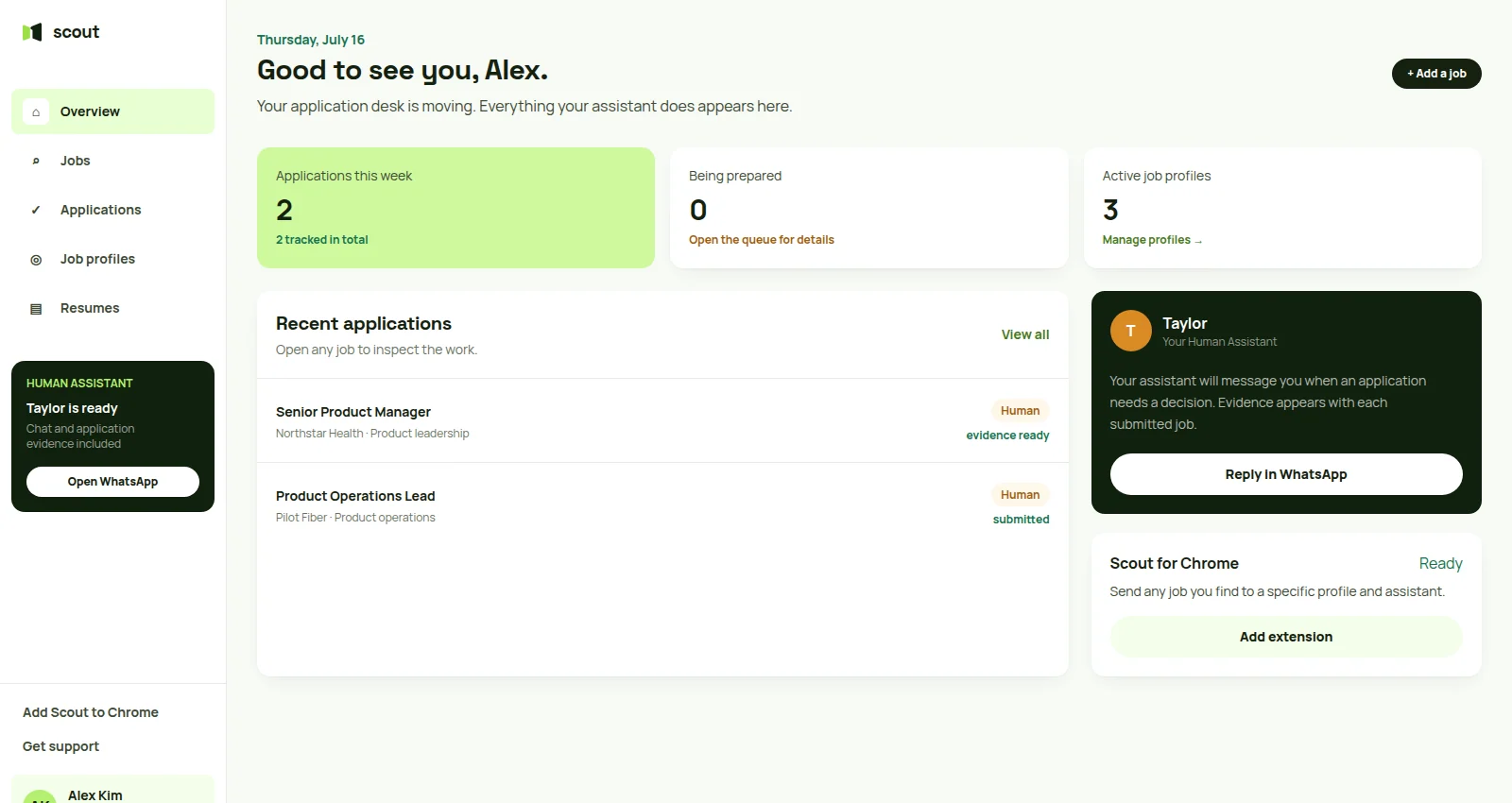
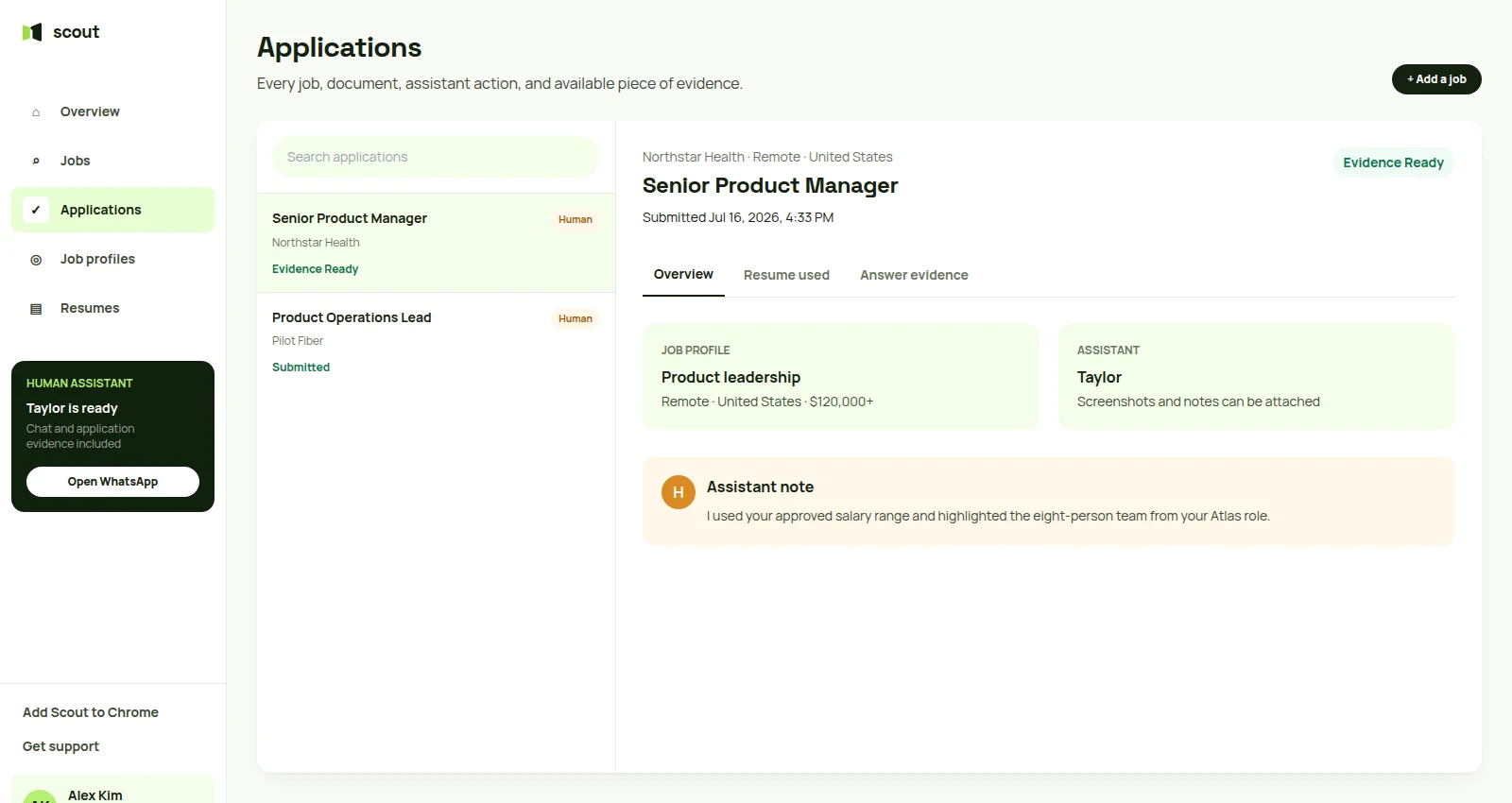
Scout keeps each job profile, resume choice, assistant lane, submission, and available piece of evidence visible.
Five layers between a match and a submission.
Materials prepared from the posting.
Automatic, selective, or every application.
WhatsApp collaboration and answer screenshots.
Proof of what went out and when.
Uncertainty has a destination
Human members can ask the person doing the work.
Your dedicated assistant can confirm ambiguous salary, work authorization, and experience questions in WhatsApp before submitting.
Frequently asked questions
Can Scout submit without asking me each time?
Yes, if you choose automatic approval for routine matches. You can also require approval for every role or only for specific companies, salary ranges, or assistant notes.
How does Scout avoid spammy application behavior?
Scout uses preference guardrails, application pacing, per-role materials, and escalation when a form or question needs judgment.
Can I see what was submitted?
Yes. The application log records the role, company, packet, submission time, assistant lane, and confirmation status.
What happens when AI is uncertain?
The application can pause and return to you. Human Assistant is a separate service lane rather than an automatic escalation.
AI for routine workHuman for nuance
Use automation with boundaries you can inspect.
Choose the lane and approval rules you want, then inspect every job, resume, status, and lane-specific evidence record.
Human starts with a conversation · AI starts with guided resume import